
Draw War
4,219
Explore the world of Draw War, where creativity and strategy merge on the battlefield. Craft your unique hero team, sketch your armies, and command them into action. The numbers beside your drawings indicate how many soldiers you summon – click to deploy Shielded Soldiers for defense, Soldiers on Horseback for speed, or Super Beasts for sheer power. Let your imagination guide you to victory.
Recommended Games
View All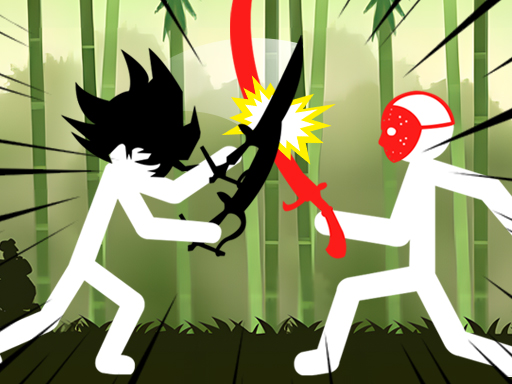
4.2
Shadow Stickman Fight
On PC, use A to move left and D to move right. On Mobile, swipe or tap to control movement. For better understanding, on PC, pressing A moves your character leftward while D moves you rightward. On Mobile devices, swiping left moves your character left and swiping right moves it right. Tapping can also be used to make quick directional changes as needed.
5,753
4.4
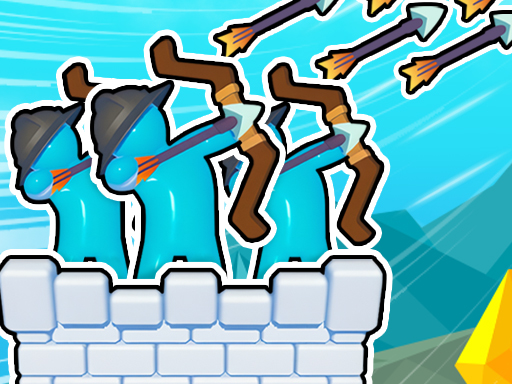
Royal Elite Archer Defense
Click or tap the screen to interact and play
6,329

4.1
Draw Save Puzzle
Draw a single unbroken line to finish each level while safeguarding the Stickman from harm. Your line can take various forms, offering multiple solutions for each challenge.
3,077
4.7
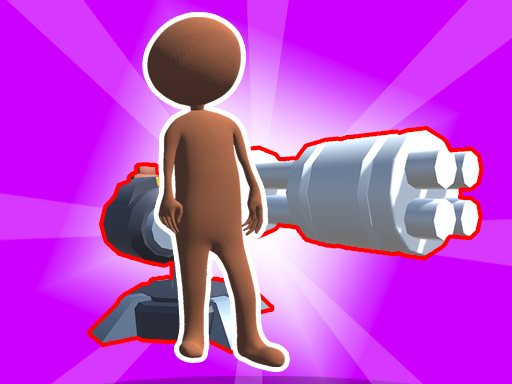
stickman base defense
Click or tap the screen to interact and progress through the game. Use these inputs to trigger actions, select options, or navigate within the game environment.
5,402

4.1
Draw Save Puzzles
Tap or mouse click to interact with the game elements, triggering actions such as selecting options, moving characters, or making choices that progress through levels or storylines.
7,335
4.1
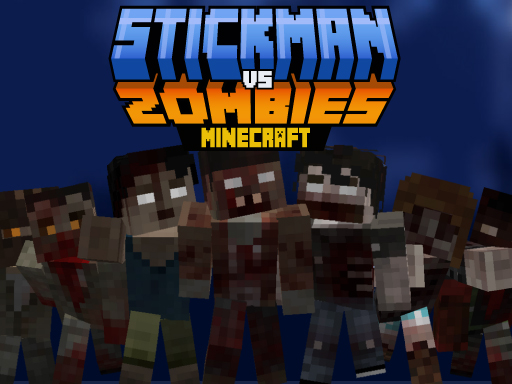
Stickman vs Zombies Minecraft
Instructions: Navigate using WASD to move and jump. Use Spacebar or click to attack zombies. Eliminate all craft zombies in each level to progress. E activates shield. Follow on-screen touch device buttons for controls.
7,387
4.8
Hex Planet Idle
Click or tap on the screen to interact with the game elements. Each click or tap will trigger actions within the game, allowing you to progress through levels or complete objectives. Use these inputs to respond to in-game prompts and solve puzzles. Adjust your clicking or tapping speed and accuracy as needed to master different challenges.
6,357

5.0
Pop It 3D Fidget Toy Maker
Click or tap on the screen to interact with the game elements, progressing through levels by selecting options or triggering actions.
3,213
4.6
Count Escape Rush
Click or tap the screen to interact and progress through the game.
3,850

4.8
One2One
Click or tap the screen to interact and progress through the game. Use these inputs to respond to in-game prompts, select options, or trigger actions as indicated by the game interface.
7,593
4.8
Zombie Royale Io
Click or tap on the screen to interact and progress through the game. Use these inputs to trigger actions, solve puzzles, and navigate levels.
6,318
4.3
Sprunki Rage Stickman Incredibox
Arrow keys control movement, space makes you jump, pressing Z or X initiates an attack, and C activates defense.
6,129

4.4
Santa Stick
Click or tap on the screen to interact and progress in the game. Use these inputs to respond to in-game prompts, select options, or trigger actions as indicated by the game interface.
7,886

4.3
Party Games Mini Shooter Battle
Click or tap on the screen to interact and play.
5,297
4.6
Dont be angry with match man
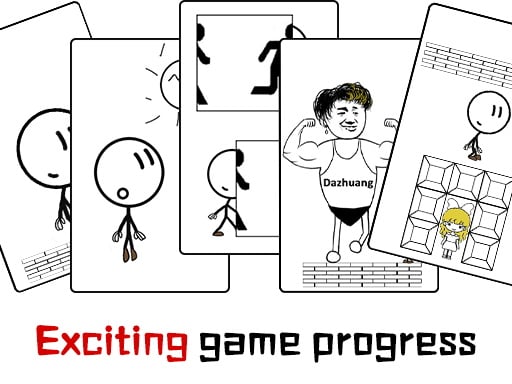
The main controls of the game are moving forward, backward, and jumping. Players use these controls to navigate through various levels, avoiding obstacles and collecting items. Forward movement progresses players through the environment, while backward movement allows them to retreat from dangers or revisit areas. Jumping helps in overcoming gaps, reaching higher platforms, and accessing hidden areas. This simple yet effective control scheme ensures easy navigation and engagement, making the game accessible and fun for all players.
3,178
4.3
Javelin Battle
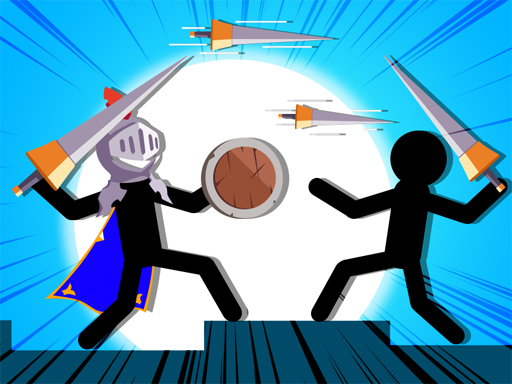
Click or tap the screen to interact and progress in the game.
4,327

4.2
Mob Control Shoot
Click or tap on the screen to interact with the game elements. Each click or tap will trigger an action based on where you touch, whether it's selecting an item, moving a character, or responding to an in-game prompt. Use this interaction method to progress through levels and achieve objectives.
7,641
4.7
Stickman Ninja Way of the Shinobi
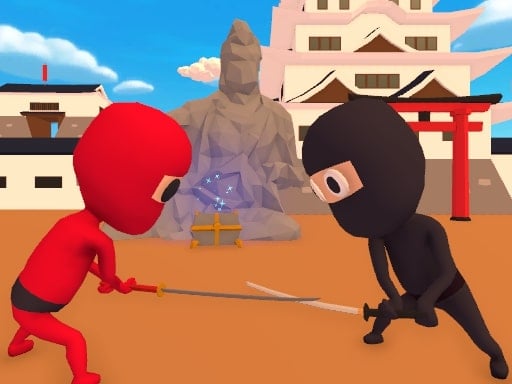
Control Movement using WASD Roll with Space Sword Strike using Left mouse click Combo Attack with Right mouse click Phone Tablet Use interface buttons for respective actions
7,863
4.6
Stickman fall
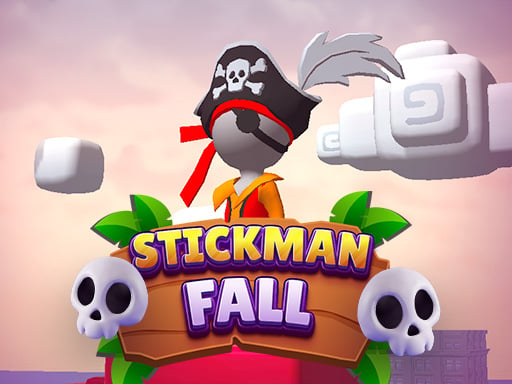
Attach to the bar using Space on the keyboard, Left Mouse Click, or Long Press on mobile devices. Descend gracefully, dodging various obstacles along the way. Reach the finish line and come to a smooth stop within the designated area.
3,865